
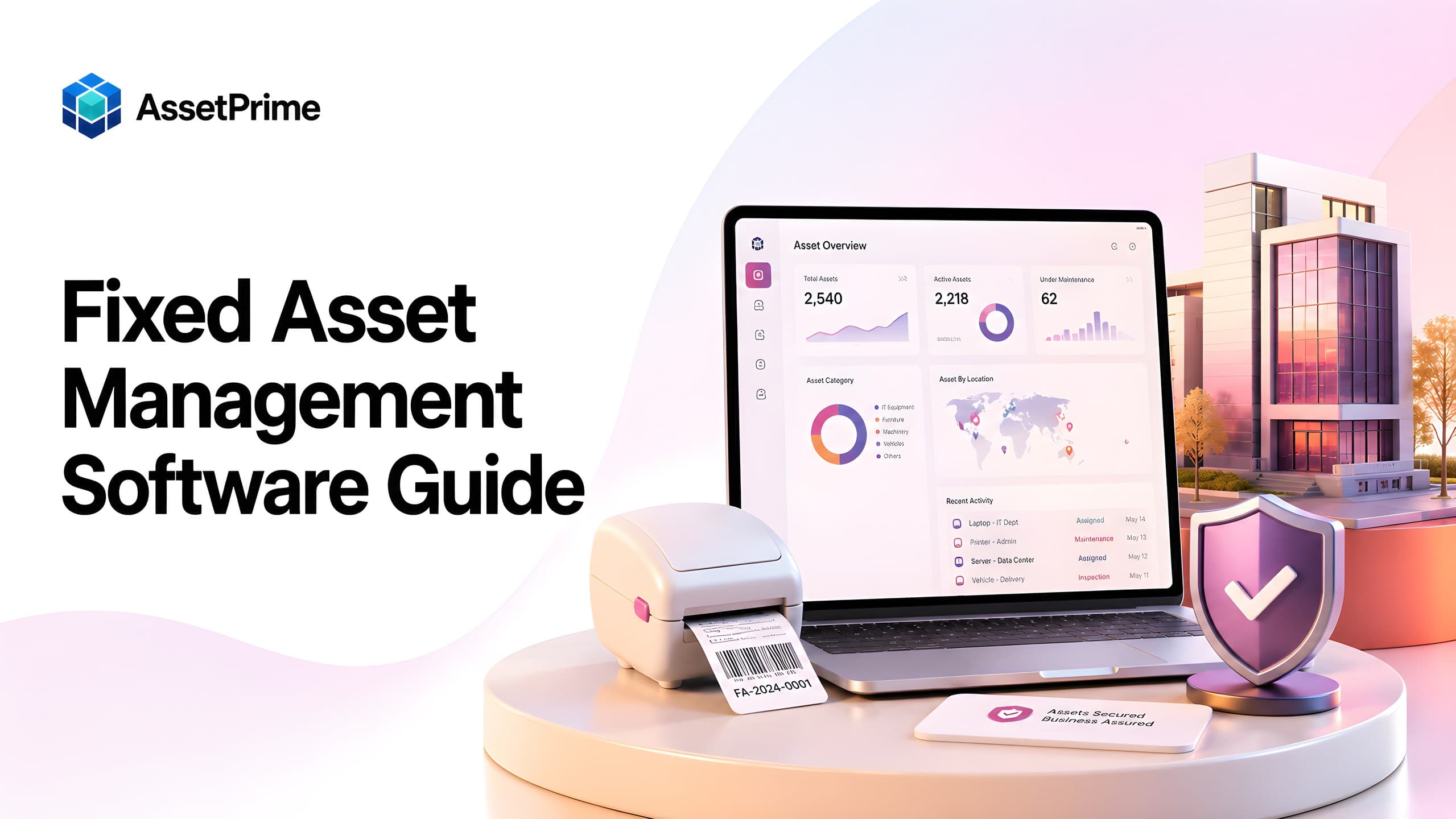
What is fixed asset management software?
Fixed asset management software is a centralized system used to register, identify, track, maintain, value, audit, and retire the long-term physical assets owned or controlled by an organization. These assets may include computers, machinery, medical devices, furniture, vehicles, tools, air-conditioning equipment, laboratory devices, warehouse equipment, security systems, and other items that support business operations over several years.
Unlike a basic asset list, fixed asset management software connects financial information with operational history. A complete record can include the asset code, serial number, barcode, purchase date, supplier, invoice, acquisition value, branch, exact location, department, custodian, condition, warranty, annual maintenance contract, insurance, depreciation, maintenance history, documents, movements, audit results, and disposal information.
The purpose of the system is to create one reliable source of truth. Finance teams can review capitalization and depreciation, operations teams can see location and condition, IT or engineering teams can monitor assignment and maintenance, and auditors can verify ownership and history without collecting information from multiple spreadsheets.
For small organizations, fixed asset management may begin as a register. As asset volume, locations, users, and compliance needs increase, the process must evolve into a controlled lifecycle system. That is where dedicated software becomes significantly more valuable than spreadsheets or disconnected accounting records.
“You cannot control assets clearly when ownership, location, maintenance, and audit history live in separate files.”
What counts as a fixed asset?
A fixed asset is generally a physical resource acquired for long-term business use rather than immediate resale or consumption. It supports operations across more than one accounting period and is normally recorded as a capital asset according to the organization's accounting policy and capitalization threshold.
Common fixed asset categories include land and buildings, plant and machinery, computers and network equipment, office furniture, medical equipment, laboratory devices, electrical systems, generators, vehicles, material-handling equipment, security equipment, and specialized tools. Organizations may also track low-value operational assets in the same platform even when accounting treatment differs, because operational control is still important.
The definition should be governed by a written policy. The policy normally specifies capitalization limits, useful-life rules, asset classes, ownership responsibilities, depreciation methods, tagging requirements, transfer procedures, physical verification frequency, impairment handling, and disposal approvals.
A good software platform should not force every item into one rigid process. It should allow an organization to distinguish capitalized assets, non-capitalized trackable assets, bulk stock, and serialized units while maintaining appropriate controls for each group.
What strong asset control should make visible
- ✓Where each asset is located today.
- ✓Who is responsible for the asset.
- ✓When it was purchased, moved, maintained, or disposed.
- ✓Which records are ready for audit, reporting, and decision-making.
Why fixed asset management becomes difficult as organizations grow
Fixed asset management becomes complex when assets are distributed across branches, buildings, floors, departments, rooms, stores, employees, projects, and service locations. A finance register may show acquisition cost but not the latest physical location. A department spreadsheet may show the current user but not depreciation or insurance. A maintenance file may show repairs but not purchase or movement history.
These disconnected records create conflicting answers to basic questions: How many assets exist? Where is a specific asset? Who is responsible for it? Is it still under warranty? Has it moved between branches? What is its current book value? Was it physically verified? Is it being repaired, idle, lost, or disposed?
Manual updates also weaken history. When users overwrite a location or custodian field, the previous state disappears. When barcode labels are created separately from the register, duplicate or invalid identifiers may appear. When maintenance and coverage dates are kept in email or paper files, renewal and service actions are easily missed.
A centralized system resolves these gaps by connecting the financial register with the physical lifecycle. Every important change can become a controlled transaction rather than an informal edit.
Core capabilities of fixed asset management software
The most important capability is a structured fixed asset register. Each asset should have a unique identity and standardized fields for category, specification, serial number, purchase information, value, branch, location, department, custodian, condition, status, and accounting details.
The software should support barcode or QR code identification, receiving, assignment, return, transfer, maintenance, warranty, AMC, insurance, depreciation, physical verification, documents, approvals, disposal, and reporting. These modules should be linked to the same asset record so users do not need to reconcile separate files.
Role-based access is equally important. Finance may need valuation and depreciation access, department users may need assignment or verification access, maintenance teams may need service workflows, and branch users may need visibility only within authorized locations.
Finally, the system should preserve history. The current status is useful, but movement, assignment, maintenance, valuation, audit, and disposal histories are what make the record defensible during reviews and audits.
Building a reliable fixed asset register
The fixed asset register is the foundation of the entire process. If master data is incomplete or inconsistent, barcode scans, depreciation reports, maintenance schedules, and audits will also be unreliable. Organizations should therefore define data standards before importing historical assets.
Essential fields normally include asset code, asset name, category, subcategory, make, model, serial number, barcode, purchase date, supplier, invoice number, acquisition cost, capitalization date, depreciation method, useful life, residual value, branch, exact location, department, custodian, condition, status, and supporting documents.
Asset names and categories should be standardized. For example, the same device should not appear as Laptop, Notebook, Dell Laptop, and Computer Laptop across different records. Standard classification improves search, reporting, maintenance planning, depreciation mapping, and replacement analysis.
Duplicate detection is another critical control. The system should help identify repeated serial numbers, asset codes, invoices, or barcode values before they enter the live register.
Barcode and QR code tracking for fixed assets
Barcode and QR code labels give each physical asset a scannable identity. During receiving, assignment, transfer, maintenance, and audit activities, users can scan the label instead of searching manually or typing long codes.
A good tagging process begins with a unique asset identifier generated or approved by the system. The label may include the organization name, asset code, barcode or QR code, category, and contact or return information. Label material should match the environment; office assets, outdoor equipment, medical devices, and industrial machinery may require different durability.
The barcode should open or identify the correct asset record, not merely store disconnected text. This allows the scan to display current location, custodian, condition, maintenance status, and verification history according to user permissions.
Barcode tracking is particularly valuable during physical audits. Teams can scan assets in each room or location, compare results with expected records, and classify exceptions such as missing, moved, untagged, damaged, or unexpected assets.
Managing branches, locations, departments, and custodians
A single location field is rarely sufficient for fixed asset management. Real organizations may operate through a hierarchy such as company, region, branch, building, floor, department, room, store, production line, warehouse zone, or project site.
Fixed asset software should represent this hierarchy clearly and allow assets to be filtered or reported at any level. This enables a central team to view consolidated information while branch or department users work within their own scope.
Custodianship should also be explicit. Some assets are assigned to employees, others to departments, rooms, vehicles, projects, or shared pools. The system should support the correct responsibility model and retain assignment and return history.
Clear ownership reduces loss and makes physical verification faster. When an exception is found, the organization can identify the last responsible location or custodian instead of beginning a company-wide search.
Asset movement, transfer, and assignment control
Fixed assets frequently move between rooms, departments, branches, employees, service centers, and projects. These changes should be recorded as movement or assignment transactions rather than direct edits to the asset master.
A movement transaction should capture the source, destination, date, reason, initiator, approver, transporter or handover information when relevant, and the assets included. The system should update the current location while preserving the complete history.
Assignment workflows should record who received the asset, when responsibility began, its condition at handover, expected return information, acknowledgements, and the eventual return. This is especially important for laptops, phones, tools, medical devices, and portable equipment.
Controlled movements improve accountability and help auditors understand how an asset reached its present location. They also support branch reconciliation and reduce duplicate purchases caused by poor visibility.
Depreciation and book value management
Depreciation allocates the cost of a fixed asset across its useful life. Fixed asset management software can help finance teams calculate periodic depreciation consistently and maintain a traceable relationship between the physical asset and its accounting value.
Common methods include straight-line depreciation, reducing balance or written-down value, units of production, and organization-specific rules. The selected method, useful life, residual value, capitalization date, and applicable rate should be defined by asset class and reviewed according to accounting policy.
The software should show acquisition cost, accumulated depreciation, depreciation for the selected period, and net book value. It should also preserve depreciation history so finance teams can explain how the current value was calculated.
Organizations should remember that accounting treatment depends on applicable standards, tax rules, and internal policy. Software supports calculation and control, but final configuration and reporting should be reviewed by qualified finance professionals.
Maintenance and service history
Maintenance information is essential for assets such as machinery, medical equipment, vehicles, generators, air-conditioning systems, electrical equipment, and production tools. A fixed asset record should show not only where the asset is, but also whether it is operational and what service work has been performed.
Maintenance workflows may include preventive schedules, breakdown reports, inspections, calibration, repairs, spare parts, technician assignments, vendor service, cost, downtime, and closure notes. Linking these records to the asset creates a complete service history.
This history supports replacement decisions. An asset that appears financially usable may have repeated failures, high repair costs, or excessive downtime. Combining maintenance and depreciation data gives management a more realistic view of economic value.
Service reminders and overdue visibility also help prevent missed preventive work, reduce emergency breakdowns, and extend useful life where appropriate.
Warranty, AMC, and insurance tracking
Warranty, annual maintenance contract, and insurance records are often stored in invoices, email attachments, or paper files. When they are disconnected from the asset register, teams may miss claims, renewals, inspections, or service entitlements.
Fixed asset software should connect coverage details directly to the relevant assets. Useful fields include provider, contract or policy number, start date, expiry date, coverage amount, service terms, contact details, documents, renewal status, and notes.
Expiry dashboards and reminders allow teams to act before coverage ends. They also help procurement and finance review whether renewal is economically justified based on asset value, age, condition, usage, and maintenance history.
During a breakdown or claim, users should be able to open the asset record and immediately understand applicable coverage instead of searching through shared drives or email threads.
Physical verification and fixed asset audits
A physical fixed asset audit compares the records in the system with assets found at actual locations. It verifies existence, identity, location, custodian, condition, and status, and it highlights differences that require investigation.
The audit process should begin with a defined scope, cut-off date, location plan, user responsibilities, and exception rules. Auditors or internal teams can then scan barcode labels, confirm asset details, capture condition, add notes, and record evidence where required.
Typical exceptions include assets not found, assets found in the wrong location, unregistered items, duplicate tags, unreadable labels, incorrect custodians, damaged assets, and assets still active in the register after disposal.
The system should retain verification history and produce reconciliation reports. Management can then approve corrections, investigate losses, update assignments, retag assets, or begin disposal procedures through controlled actions.
Disposal, retirement, sale, and write-off
An asset should not disappear from the register when it reaches the end of its useful life. Disposal is a formal lifecycle stage that requires review, approval, evidence, accounting treatment, and historical preservation.
Common disposal methods include sale, scrap, donation, return to vendor, trade-in, loss write-off, destruction, or transfer outside the organization. The record should capture the reason, approval, date, buyer or recipient where applicable, proceeds, disposal cost, documents, and final status.
The system should stop active depreciation according to policy, remove the asset from operational availability, and preserve its full history for audit purposes. Sensitive IT assets may also require data-erasure certificates or destruction evidence.
A controlled disposal workflow prevents retired assets from continuing to appear as active, reduces compliance risk, and helps finance reconcile gains or losses on disposal.
Role-based access and audit trails
Fixed asset data includes financial values, employee assignments, location details, contracts, and operational history. Access should therefore be controlled according to job responsibility and organizational scope.
Role-based access can allow finance users to manage depreciation, branch users to view or verify local assets, maintenance teams to update service records, department managers to approve transfers, and administrators to control configuration. Sensitive actions such as disposal, value changes, or bulk imports may require additional approval.
Location-based scope is important for multi-branch organizations. A user should see and act on assets only in authorized branches or locations unless they hold central responsibility.
Audit logs should record who created, changed, approved, moved, assigned, maintained, or disposed of an asset and when the action occurred. This traceability discourages unauthorized changes and supports internal and external audits.
Reports and analytics that management needs
Fixed asset software should convert detailed transaction data into practical reports. The essential starting point is an accurate asset register that can be filtered by branch, location, category, department, custodian, status, condition, purchase period, and value.
Other useful reports include depreciation, additions, transfers, assignments, maintenance, warranty expiry, AMC expiry, insurance expiry, physical verification, missing assets, idle assets, disposed assets, and assets without required data or documents.
Management dashboards can summarize total assets, acquisition value, net book value, assets by branch or category, maintenance due, expiring coverage, recent movements, and audit exceptions. These indicators help leaders focus on areas requiring action rather than reviewing raw lists.
Reports should respect role and location permissions, support export where necessary, and provide drill-down to the underlying asset history.
Fixed asset management software vs spreadsheets
Spreadsheets are flexible and familiar, which makes them useful during the earliest stage of asset tracking. However, they become difficult to control when many users, locations, movements, maintenance records, documents, and approvals are involved.
A spreadsheet normally shows the latest typed value. It does not naturally preserve movement, assignment, maintenance, or depreciation transactions. It also offers limited workflow control, inconsistent validation, weak barcode integration, and little protection against accidental deletion or unauthorized editing.
Dedicated software uses structured fields, permissions, histories, alerts, linked modules, and reports. It allows multiple teams to work with the same record while limiting actions according to responsibility.
The decision is not simply about asset count. Even a moderate number of high-value, regulated, mobile, or maintenance-intensive assets may justify a dedicated platform because the risk of inaccurate records is high.
How to choose fixed asset management software
Begin by documenting your actual asset processes. List the asset types, branches, location levels, departments, custodians, movement patterns, maintenance needs, depreciation rules, audit frequency, approval steps, reports, user roles, and integrations that matter.
Evaluate whether the platform supports serialized assets, bulk assets where required, configurable categories, hierarchical locations, barcode tracking, assignments, movements, maintenance, warranty, AMC, insurance, depreciation, audits, disposal, documents, and role-based access.
Pay attention to usability. A feature-rich platform will fail if receiving teams, branch users, maintenance staff, and auditors cannot complete common tasks efficiently. Request demonstrations using scenarios from your own organization rather than generic product tours.
Also review deployment options, data ownership, security, backups, export capability, implementation support, customization boundaries, performance at your expected scale, and total cost over several years.
Implementation roadmap and data migration
A successful implementation starts with governance. Assign an executive sponsor, process owner, finance representative, operational representatives, system administrator, and responsible users for each branch or department.
Next, define master data and policy: asset classes, naming standards, capitalization rules, useful lives, location hierarchy, user roles, barcode format, movement approvals, maintenance processes, verification frequency, and disposal controls.
Clean historical data before migration. Remove duplicates, standardize categories and locations, verify serial numbers, reconcile active and disposed assets, and identify missing purchase or valuation information. Importing poor data into a new platform only makes old problems faster.
Pilot the system with one branch, category, or department. Validate receiving, tagging, assignment, transfer, maintenance, depreciation, audit, and reporting workflows. After corrections and training, expand in phases and monitor data quality through regular reviews.
Best practices for long-term fixed asset control
Create and maintain a written fixed asset policy. Technology supports the process, but consistent rules determine when assets are created, tagged, capitalized, moved, verified, depreciated, maintained, and disposed.
Make the system part of daily operations. Assets should be registered during receiving, assignments recorded at handover, transfers completed before physical movement where practical, maintenance updated at service completion, and disposals closed through approval.
Review exception reports regularly. Look for assets without locations, custodians, serial numbers, purchase values, depreciation settings, barcode labels, coverage details, or recent verification. Small corrections made monthly prevent major reconciliation projects later.
Finally, measure process performance. Useful indicators include tagging completion, missing-asset rate, audit variance, overdue maintenance, coverage renewal rate, transfer turnaround time, idle assets, repair cost, and disposal closure time.
How AssetPrime supports fixed asset management
AssetPrime helps organizations manage the physical and financial lifecycle of fixed assets from one platform. Teams can maintain structured asset records, barcode-ready identities, purchase and receiving information, branch and location visibility, assignments, movements, maintenance, warranty, AMC, insurance, depreciation, documents, audits, and disposal history.
The platform supports multi-branch operations and hierarchical locations such as buildings, floors, departments, rooms, stores, and other operational areas. Location-based permissions help local users work within authorized scopes while central teams retain consolidated visibility.
AssetPrime also supports both bulk and serialized tracking. Organizations can manage quantity-based stock where appropriate and create item-level records for assets that require unique serial numbers, barcode labels, assignment, movement, maintenance, and lifecycle history.
Reports provide visibility into the asset register, stock position, assignments, movements, maintenance, warranty, AMC, insurance, depreciation, procurement, disposal, and audit activity. This helps teams replace fragmented spreadsheets with controlled, traceable workflows.
Final thoughts
Fixed asset management software is more than an accounting register. It is an operational control system that connects ownership, location, responsibility, condition, maintenance, coverage, valuation, audit, and disposal throughout the asset lifecycle.
The strongest results come from combining good software with clear policy, clean data, responsible users, barcode discipline, controlled transactions, and regular review. Organizations that establish these foundations gain better visibility, faster audits, stronger accountability, and more informed maintenance and replacement decisions.
For growing or multi-location organizations, implementing a structured platform before records become fragmented is usually far easier than attempting to reconstruct years of incomplete asset history later.
Related AssetPrime Pages
Continue with related pages
Explore connected features, guides, solutions, and industry pages that support this topic.
FAQ
Frequently asked questions
What is fixed asset management software used for?
It is used to register, track, assign, move, maintain, depreciate, audit, and dispose of long-term physical assets while preserving their complete operational and financial history.
What is the difference between fixed asset software and accounting software?
Accounting software mainly records financial transactions and balances. Fixed asset software adds physical control such as barcode identity, exact location, custodian, movements, maintenance, audits, documents, and disposal history, while also supporting valuation and depreciation.
Can fixed asset software calculate depreciation?
Yes. A suitable platform can calculate depreciation using configured methods, useful lives, residual values, and capitalization dates, while maintaining accumulated depreciation and net book value history. Final configuration should follow applicable accounting policy and professional guidance.
Does fixed asset management software support barcode tracking?
Yes. Barcode or QR code labels can identify assets during receiving, assignment, transfer, maintenance, physical verification, and audit activities.
Can it manage assets across multiple branches?
Yes. Multi-branch software can organize assets by company, branch, building, floor, department, room, store, or other location levels while restricting users to authorized scopes.
How often should fixed assets be physically verified?
The frequency depends on risk, policy, regulation, asset mobility, and value. Many organizations perform a complete annual verification and more frequent checks for portable, high-value, regulated, or loss-prone assets.
Can fixed asset software track warranty and maintenance?
Yes. Modern platforms can link maintenance history, preventive schedules, repair costs, warranty, AMC, insurance, expiry dates, documents, and service providers to each asset.
When should a business move from Excel to fixed asset software?
A dedicated system becomes valuable when assets span multiple users or locations, move frequently, require maintenance or depreciation, need barcode audits, or must be controlled through permissions and history.
What information should a fixed asset register contain?
It should normally include a unique asset code, description, category, serial number, barcode, purchase details, value, capitalization and depreciation settings, branch, exact location, custodian, condition, status, coverage, documents, and lifecycle history.
How does AssetPrime help manage fixed assets?
AssetPrime supports asset registration, barcode tracking, multi-branch locations, assignments, movements, maintenance, warranty, AMC, insurance, depreciation, physical audit visibility, documents, disposal, and enterprise reports from one platform.
Continue Reading
Related articles

Asset Management
Asset Receiving Process and Checklist: From Delivery to Asset Register
Read Article →
Asset Management
What Is Asset Management Software? A Complete Guide for Modern Organizations
Read Article →
Asset Tracking
Asset Tracking vs Inventory Management: Key Differences for Modern Businesses
Read Article →