
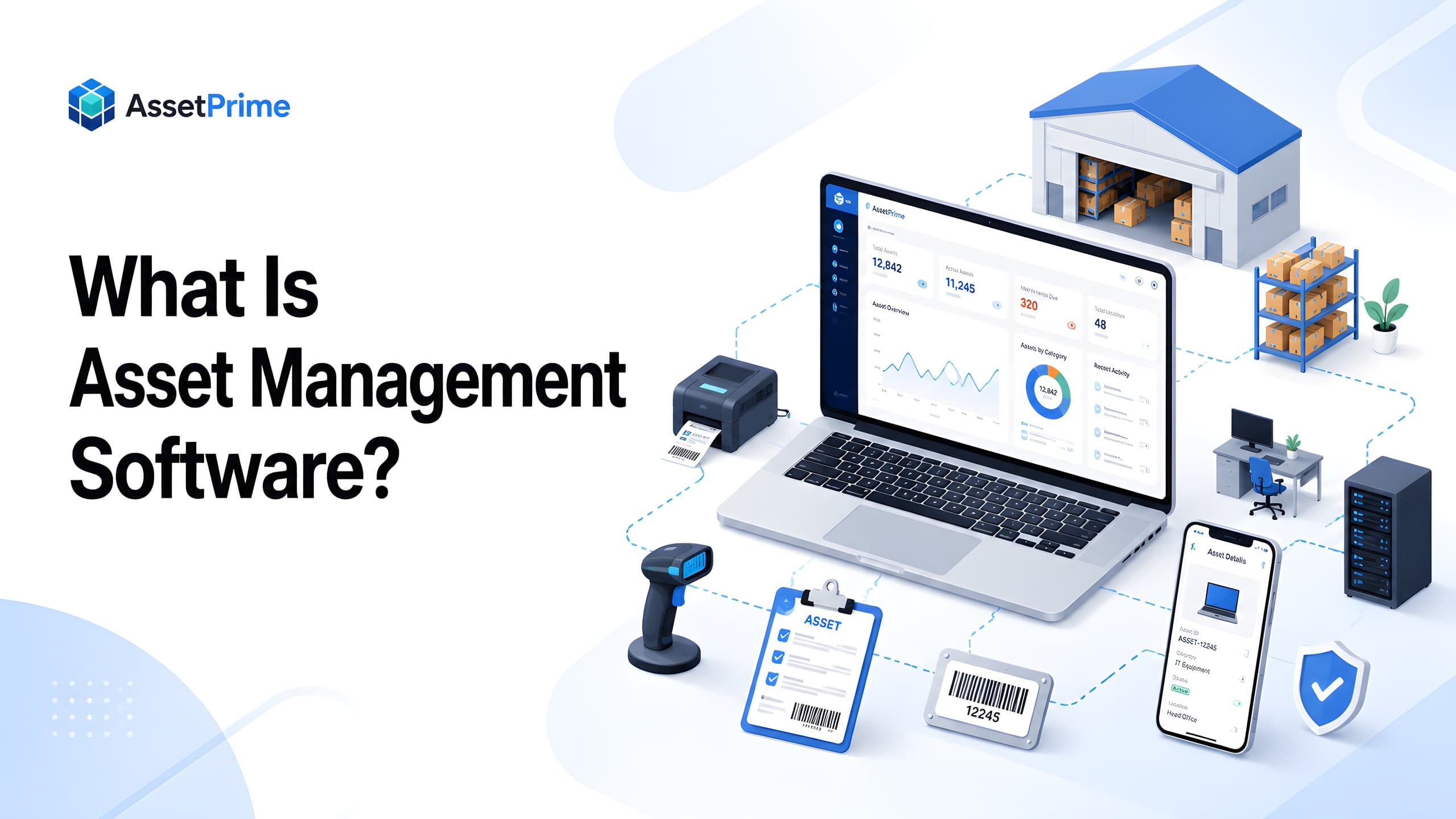
What is asset management software?
Asset management software is a digital platform that helps organizations record, track, control, maintain, audit, and report on the physical assets they own or use. It creates a structured system of record for asset codes, categories, serial numbers, purchase values, branches, locations, departments, users, condition, warranty, maintenance, depreciation, documents, and disposal status.
In simple terms, it replaces scattered spreadsheets, manual registers, disconnected files, and informal updates with one reliable place to manage asset information. Instead of asking different teams where an asset is, who is using it, or when it was last serviced, users can open the asset record and see the latest status and history.
Modern asset management software is not just an asset list. A strong system supports the complete asset lifecycle: planning, procurement, receiving, registration, assignment, movement, maintenance, warranty, AMC, insurance, depreciation, audit, and disposal. This lifecycle view is what separates a serious asset management platform from a basic spreadsheet.
Organizations use asset management software for fixed assets, IT assets, office equipment, hospital equipment, machinery, tools, furniture, warehouse assets, facility equipment, vehicles, and other operational assets that require visibility, accountability, maintenance, or audit readiness.
The main purpose is control. The software helps an organization understand what it owns, where each asset is located, who is responsible, what condition it is in, what it costs, what coverage exists, and what action is required next.
“You cannot control assets clearly when ownership, location, maintenance, and audit history live in separate files.”
Why organizations need asset management software
Most organizations start asset tracking with simple records. A spreadsheet may be enough when there are only a few assets, one office, and one person responsible for updates. But as the organization grows, assets begin moving across branches, buildings, floors, departments, rooms, stores, employees, service centers, and vendors. At that stage, a static file becomes difficult to trust.
The problem is usually not the absence of asset data. The problem is that asset data becomes fragmented. Finance may have purchase details, administration may know where assets are placed, IT may track devices separately, maintenance may keep service records in another file, and department heads may have their own lists. None of these records gives a complete operational view.
Asset management software solves this by connecting asset records with location, ownership, movement, maintenance, warranty, AMC, insurance, audit, and reporting data. This allows decision-makers to see the full picture instead of depending on incomplete records or manual follow-ups.
Organizations need this visibility to reduce asset loss, avoid duplicate purchases, improve utilization, speed up audits, assign responsibility, plan maintenance, manage renewals, control costs, and make better purchasing and replacement decisions.
For growing companies, multi-branch businesses, hospitals, manufacturers, schools, warehouses, government teams, and IT departments, asset management software also improves accountability. Every asset can have a responsible location, user, department, or custodian, and every important action can be recorded for future review.
What strong asset control should make visible
- ✓Where each asset is located today.
- ✓Who is responsible for the asset.
- ✓When it was purchased, moved, maintained, or disposed.
- ✓Which records are ready for audit, reporting, and decision-making.
Common problems without a proper asset management system
Without asset management software, teams often struggle with missing assets, outdated locations, unclear ownership, duplicate records, incomplete purchase details, and slow physical audits. These issues may look small when asset volume is low, but they become expensive when assets are spread across many locations or departments.
One common problem is overwriting asset locations. When an asset moves from one branch or department to another, teams may simply edit the current location in Excel. This may show where the asset is today, but it destroys the movement history. Later, during an audit, there is no reliable trail showing where the asset moved, who approved the transfer, or when the change happened.
Another problem is poor maintenance visibility. If service records are kept separately, teams may miss repair history, open maintenance work, recurring breakdowns, service costs, or upcoming preventive maintenance. This can lead to downtime, emergency repairs, reduced asset life, and poor utilization.
Coverage tracking is also a frequent gap. Warranty, AMC, and insurance information often remains inside invoices, emails, or separate files. When expiry dates are missed, organizations may lose renewal opportunities, pay avoidable repair costs, or face risk during claims and compliance reviews.
Manual systems also create weak audit control. If anyone can edit a spreadsheet, it becomes difficult to know who changed an asset record, what changed, and whether the change was approved. A modern platform should provide role-based access and audit logs so asset data remains controlled and traceable.
How asset management software works
Asset management software works by giving each asset a structured digital record and then updating that record whenever an important lifecycle event occurs. The asset record becomes the common reference point for identity, location, ownership, purchase information, maintenance, coverage, financial details, documents, and history.
The process usually begins with registration or receiving. The organization captures an asset code, category, serial number, purchase details, branch, location, and other required information. A barcode or QR label can then connect the physical item to its digital record for faster lookup and verification.
As the asset is assigned, transferred, repaired, audited, renewed, depreciated, or disposed of, those transactions should update the system without erasing the previous history. This is important because the current state answers where the asset is today, while the history explains how it reached that state.
Reports and dashboards use this structured operational data to show exceptions and trends such as missing assets, overdue maintenance, expiring warranty or AMC coverage, asset movements, depreciation, stock position, and assets approaching replacement or disposal.
Asset management software vs inventory management software
Asset management software and inventory management software are related, but they are not the same. Inventory management usually focuses on items that are bought, stored, sold, issued, or consumed. Asset management focuses on long-term business assets that remain with the organization and require lifecycle control.
For example, laptops, printers, medical equipment, machinery, tools, furniture, air conditioners, scanners, and vehicles are usually assets. They may be purchased once and used for months or years. The organization needs to know their location, condition, owner, maintenance history, warranty, depreciation, and disposal status.
Inventory items may be stock that moves quickly, such as consumables, spare parts, supplies, or goods for sale. Inventory systems focus heavily on quantity, replenishment, sales, and stock movement. Asset management systems focus on accountability, ownership, maintenance, lifecycle history, audit control, and reporting.
Some organizations need both models together. They may manage bulk stock where quantity matters, and serialized assets where each physical unit needs its own identity and history. Modern asset management software should support both bulk and serialized tracking so the organization does not need separate systems for related operations.
The complete asset lifecycle explained
Asset lifecycle management is the process of controlling an asset from planning and purchase until disposal or retirement. A complete asset management system should support every stage of this journey instead of only storing asset master data.
The lifecycle usually starts with planning and procurement. A department identifies the need for an asset, compares vendors, approves the purchase, and records purchase information. Once the asset is received, it should be verified, registered, categorized, valued, and connected to vendor and invoice details.
After registration, the asset is placed into a branch, location, department, room, store, or operational area. If the asset is assigned to an employee or team, the assignment should be recorded with responsibility and return visibility. If it moves later, the system should record the transfer rather than simply overwriting the location.
During its useful life, the asset may require maintenance, repair, calibration, warranty service, AMC renewal, insurance coverage, depreciation calculation, physical audits, document updates, and reporting. Each of these activities adds context to the asset history.
At the end of the lifecycle, the asset may be disposed, retired, lost, sold, scrapped, or replaced. A good system keeps disposal details, scrap value, profit or loss impact, approval information, and audit evidence so the asset record remains complete even after it is no longer active.
Key features of modern asset management software
A modern asset management platform should support much more than asset entry. It should provide multi-branch visibility, hierarchical locations, hybrid asset tracking, barcode identification, asset assignment, movement control, procurement, stock visibility, maintenance, warranty, AMC, insurance, depreciation, audit logs, reports, and secure permissions.
Multi-branch management helps organizations track assets across offices, hospitals, warehouses, campuses, factories, stores, and business units. Hierarchical location tracking allows each branch to be divided into buildings, floors, departments, rooms, stores, or custom location levels. This gives teams a realistic view of where assets actually exist.
Hybrid asset tracking is important because not every asset is managed the same way. Some assets require serialized tracking, where each physical item has its own identity, barcode, serial number, assignment, condition, and history. Other items may be managed as bulk stock, where quantity by branch and location is the main concern.
Barcode and QR code tracking make asset identification faster and more reliable. When labels are attached to assets, teams can scan them during audits, transfers, maintenance, and verification activities. This reduces manual searching, typing errors, and duplicate records.
Asset assignment features help organizations assign assets to employees, departments, teams, or responsible users. This improves accountability because the system can show who currently has an asset, when it was assigned, and whether it was returned.
Procurement and receiving features connect asset creation with the purchase process. This prevents assets from appearing in operations without purchase context and helps teams connect vendors, invoices, receiving records, and asset onboarding.
Maintenance, warranty, AMC, and insurance features help teams track service history, open maintenance work, expiry dates, renewals, policy details, and coverage status. These capabilities reduce missed renewals and make asset support easier to manage.
Reporting and analytics convert asset data into useful decisions. Important reports include asset register, stock position, movement report, assignment report, maintenance report, warranty report, AMC report, insurance report, procurement report, depreciation report, disposal report, and audit history.
Spreadsheet vs asset management software
Spreadsheets are flexible, familiar, and inexpensive, but they are not designed for controlled asset operations. They depend heavily on manual discipline and usually become unreliable as more people, locations, and assets are added.
In Excel, an asset location is often just a cell. In asset management software, location can be a controlled hierarchy with branch, building, floor, department, room, or store. In Excel, asset movements may be overwritten. In software, movements can be recorded as a history with source, destination, date, and responsibility.
In spreadsheets, access control is limited. A user may edit, delete, or duplicate rows without a strong audit trail. In a proper system, roles and permissions can control who can create, update, move, assign, maintain, dispose, or report on assets.
Spreadsheets also struggle with alerts and workflows. Warranty expiry, AMC renewal, insurance renewal, overdue maintenance, missing assets, stock changes, and audit findings all require manual follow-up. Asset management software can make these actions visible through dashboards, reports, filters, and operational workflows.
Excel may still be useful for data import, export, and small lists. But once asset control affects audits, accountability, maintenance, financial reporting, or multi-location operations, dedicated asset management software becomes the safer long-term choice.
Who uses asset management software?
Asset management software is usually shared across several operational teams rather than owned by one department. Administration and facilities teams use it to control equipment by branch, building, floor, room, or department. IT teams use it to track devices, assignments, warranty, movement, and refresh cycles.
Finance teams use purchase values, depreciation, disposal information, and asset registers for financial control. Procurement and stores teams use receiving, supplier, invoice, and stock information to connect acquisition with the assets that enter service.
Maintenance teams use service history, preventive maintenance, breakdown records, costs, warranty, and AMC information. Managers and auditors use reports, physical verification data, movement history, and audit logs to review accountability and exceptions.
The strongest implementations define which team is responsible for each lifecycle event so the asset record stays current as responsibility moves between procurement, stores, users, maintenance, finance, and disposal.
Industry use cases for asset management software
Hospitals and healthcare organizations use asset management software to track biomedical equipment, diagnostic devices, IT assets, department assets, maintenance schedules, calibration needs, warranty, AMC, insurance, and audit readiness. Clear ownership and service history are especially important in healthcare environments.
Manufacturing companies use it to manage plant equipment, machinery, tools, spare assets, maintenance records, downtime visibility, procurement, stock positions, and asset transfers between production areas, stores, and service locations.
IT teams use asset management software to track laptops, desktops, servers, networking devices, printers, accessories, employee assignments, warranty status, device ownership, returns, replacements, and lifecycle history.
Educational institutions use it to manage classroom equipment, lab assets, library assets, campus assets, furniture, IT assets, department ownership, audits, and maintenance across schools, colleges, and universities.
Warehouses, corporate offices, government departments, retail operations, and multi-branch organizations use asset management software to maintain visibility over distributed assets, reduce loss, improve utilization, and support audit requirements.
Benefits of asset management software
The most immediate benefit is visibility. Teams can search one controlled system instead of comparing spreadsheets, emails, service files, and local records to understand an asset's current state.
Better visibility supports accountability. Assignments, movements, locations, maintenance actions, and lifecycle changes can be recorded against the asset so responsibility does not depend on memory or informal communication.
Organizations can also reduce avoidable cost by identifying duplicate purchases, underused assets, repeated repairs, missed warranty coverage, overdue maintenance, and equipment that should be redeployed rather than purchased again.
For audits and management reporting, structured records reduce reconciliation effort and make exceptions easier to investigate. Over time, reliable lifecycle data also improves replacement planning, budgeting, procurement decisions, and total cost-of-ownership analysis.
Best practices for successful asset management
Start with clean master data. Standardize asset names, categories, codes, serial numbers, branch names, location names, vendor details, and purchase information before importing or entering records. Clean data makes every report more useful.
Use unique asset codes and barcode labels wherever possible. A unique identity makes physical verification, movement tracking, maintenance updates, and audit activity faster and more accurate.
Define ownership clearly. Each asset should have a responsible branch, location, department, user, or custodian. Unassigned assets should still have a clear stock location or holding responsibility.
Record movements instead of overwriting locations. A movement history is more valuable than a current location field alone because it shows how assets changed over time.
Track maintenance and coverage from the beginning. Warranty, AMC, insurance, and maintenance details are easiest to manage when they are connected to the asset record early.
Review reports regularly. Asset management is not a one-time setup project. Monthly reviews of stock, movement, maintenance, warranty, depreciation, and audit data help keep the system accurate.
When should an organization implement asset management software?
There is no single asset-count threshold. The need usually becomes clear when the organization can no longer answer basic questions quickly and consistently: what assets exist, where they are, who is responsible, what has happened to them, and what requires action.
Common warning signs include multiple spreadsheet versions, frequent location mismatches, unclear employee assignments, slow audits, duplicate purchases, missed maintenance, expired warranty or AMC coverage, and significant manual effort to prepare reports.
Multi-branch growth is another trigger. Once assets move between locations and different teams update the same records, controlled permissions and transaction history become more important than the size of the asset register alone.
Organizations should implement a structured system before poor data becomes deeply embedded. Starting with clean categories, locations, asset identities, and lifecycle responsibilities makes future expansion substantially easier.
How to choose the right asset management software
The right asset management software should match the way your organization actually operates. A single-office business may need simple asset tracking, while a multi-branch organization needs branch control, location hierarchy, user permissions, movement workflows, reports, and audit visibility.
Check whether the system supports both serialized assets and bulk stock. Serialized assets need item-level history, while bulk assets need quantity control by branch and location. If your organization manages both, the software should not force everything into one model.
Review location flexibility carefully. Real organizations do not work with one flat location field. They may need branches, buildings, floors, departments, rooms, stores, service centers, and custom location levels. A system with hierarchical locations will scale better.
Also review barcode support, mobile access, maintenance tracking, warranty and AMC tracking, insurance management, depreciation, audit logs, reporting, data import, role-based access, support availability, and deployment flexibility.
Finally, choose software that can grow with your process. Asset management often starts with registration and tracking, then expands into procurement, movements, maintenance, coverage, audits, reporting, and lifecycle intelligence.
How AssetPrime supports modern asset management
AssetPrime is built for organizations that need more than a basic asset list. It supports asset registration, barcode tracking, multi-branch control, hierarchical locations, bulk and serialized assets, assignments, movements, procurement, maintenance, warranty, AMC, insurance, depreciation, audit logs, enterprise reports, and mobile access.
The Asset Intelligence Console gives teams a single asset view that brings together asset details, stock or instance information, movement history, purchase and receiving records, assignment history, maintenance, warranty, AMC, insurance, depreciation, documents, and audit activity. This helps teams understand the complete history of an asset without searching across multiple screens or files.
AssetPrime also supports hybrid tracking. Bulk assets can be managed through quantity and stock visibility, while serialized assets can be tracked individually with unique identity, barcode, assignment, movement, condition, and lifecycle history.
For organizations with multiple branches and locations, AssetPrime provides structured visibility across branches, departments, rooms, stores, and operational areas. LocationScope permissions help restrict users to the locations they are allowed to access, while reports remain aligned with role-based access control.
For maintenance and coverage, AssetPrime helps track maintenance records, warranty details, AMC renewals, insurance coverage, expiry visibility, and reports. This helps organizations avoid missed renewals and maintain better control over operational risk.
For reporting, AssetPrime provides asset register, stock position, movement, maintenance, warranty, AMC, insurance, procurement, depreciation, assignment, disposal, and audit-related visibility. These reports help teams move from manual tracking to structured decision-making.
Final thoughts
Asset management software helps organizations move from reactive asset tracking to structured asset control. It gives teams the visibility needed to know what assets exist, where they are, who is responsible, what condition they are in, and what action is required next.
For modern organizations, especially those operating across multiple branches, departments, locations, users, and asset types, asset management software is no longer just a digital register. It is an operational platform for lifecycle control, accountability, maintenance, coverage, audit readiness, and reporting.
The best time to implement asset management software is before asset data becomes too scattered to trust. A structured system creates a reliable foundation for growth, compliance, cost control, and better decision-making.
Related AssetPrime Pages
Continue with related pages
Explore connected features, guides, solutions, and industry pages that support this topic.
FAQ
Frequently asked questions
What is asset management software used for?
Asset management software is used to track, manage, maintain, assign, move, audit, and report on physical assets across their complete lifecycle. It helps organizations know what assets they own, where they are located, who is responsible, and what action is needed next.
Is asset management software the same as inventory software?
No. Inventory software usually focuses on stock that is sold, consumed, or replenished. Asset management software focuses on long-term business assets such as equipment, IT devices, furniture, tools, machinery, medical equipment, and fixed assets that require lifecycle control.
Can asset management software replace Excel?
Yes. Excel can work for small asset lists, but asset management software provides better control through structured records, barcode tracking, movement history, maintenance tracking, warranty and AMC visibility, audit logs, reports, and role-based access.
Does asset management software support barcode tracking?
Modern asset management software often supports barcode or QR code tracking. This helps teams identify assets quickly during audits, transfers, maintenance, receiving, assignment, and physical verification.
What types of assets can be managed?
Organizations can manage IT assets, office equipment, hospital equipment, machinery, tools, furniture, warehouse assets, facility equipment, vehicles, and other fixed or operational assets.
Why is multi-branch asset management important?
Multi-branch asset management is important because assets often move across offices, hospitals, warehouses, stores, plants, campuses, or departments. A central system helps maintain visibility and accountability across every branch and location.
How does asset management software help audits?
It helps audits by maintaining structured asset records, barcode-ready identification, movement history, assignment details, maintenance records, documents, reports, and audit logs that can be reviewed when needed.
Can asset management software track maintenance and renewals?
Yes. A modern system can track maintenance work, repair history, warranty expiry, AMC renewals, insurance coverage, service costs, and related reports so teams can act before issues become expensive.
Is asset management software useful for small businesses?
Yes. Small businesses can use it to create accurate records, avoid lost assets, track ownership, and reduce manual work. The value increases as assets, users, locations, and compliance needs grow.
How does AssetPrime help with asset management?
AssetPrime helps organizations manage asset registration, barcode tracking, multi-branch locations, bulk and serialized assets, assignments, movements, maintenance, warranty, AMC, insurance, depreciation, audit logs, and enterprise reports from one platform.
Continue Reading
Related articles
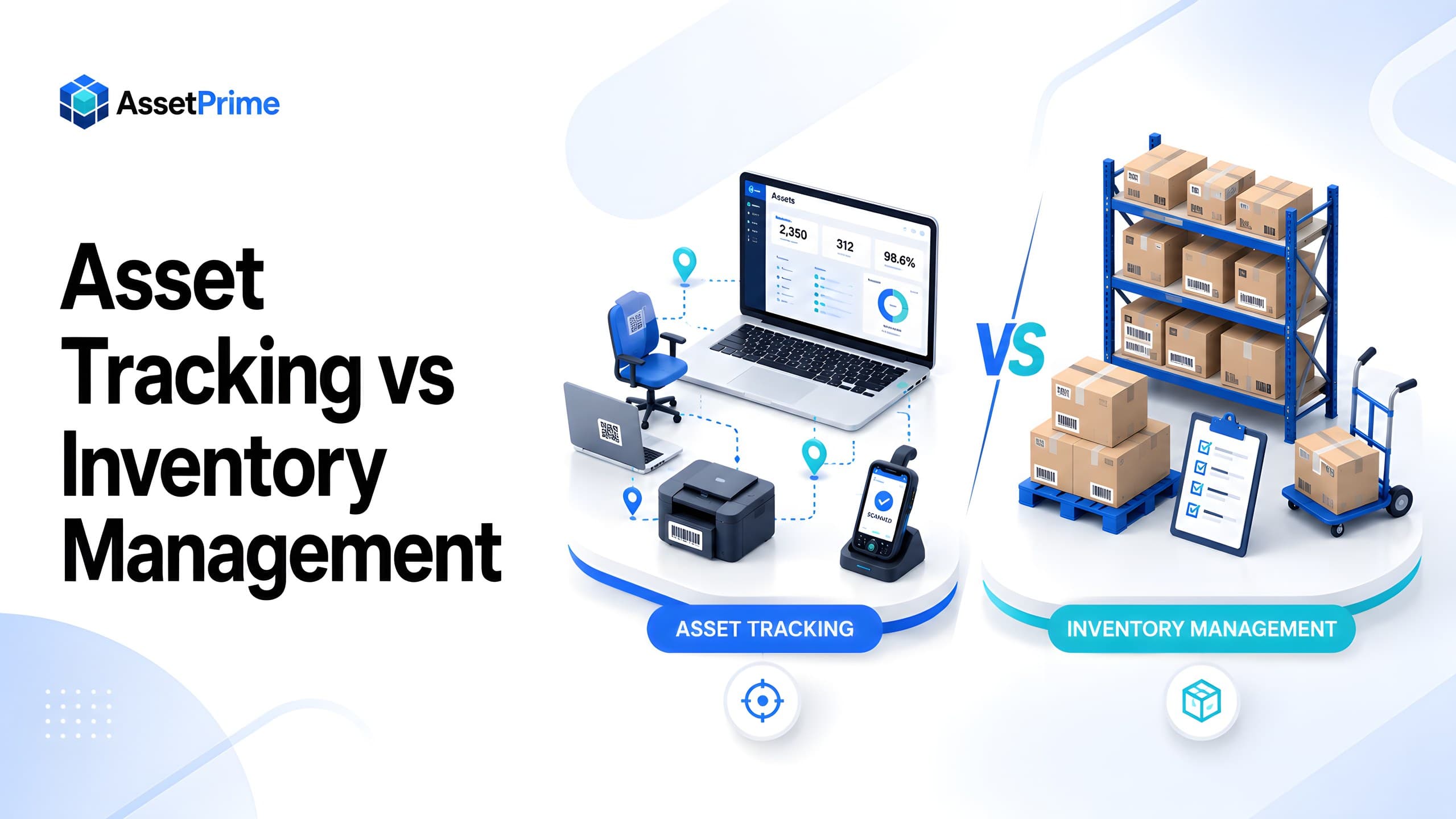
Asset Tracking
Asset Tracking vs Inventory Management: Key Differences for Modern Businesses
Read Article →
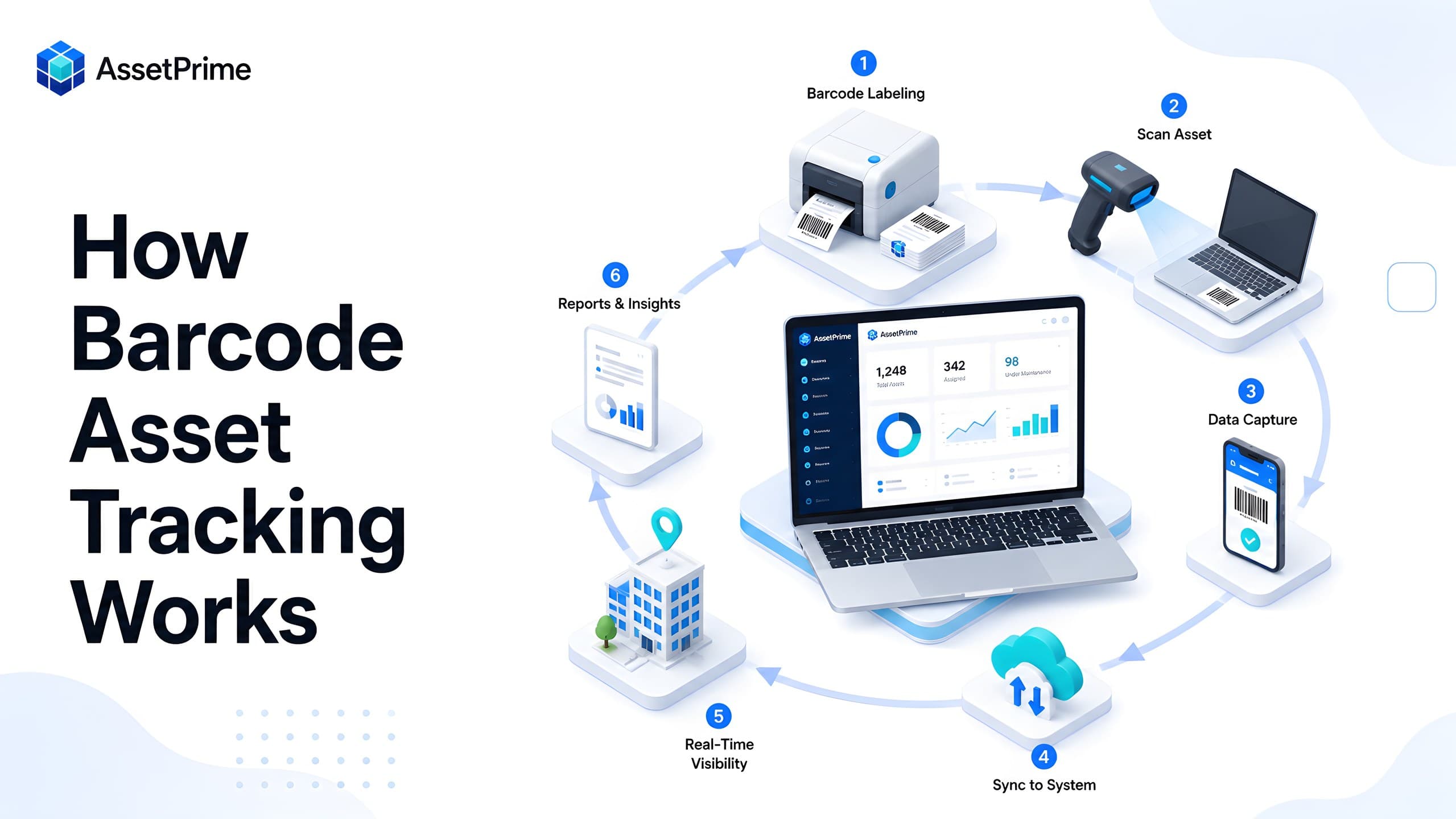
Barcode Tracking
How Barcode Asset Tracking Works: A Complete Guide for Modern Asset Operations
Read Article →
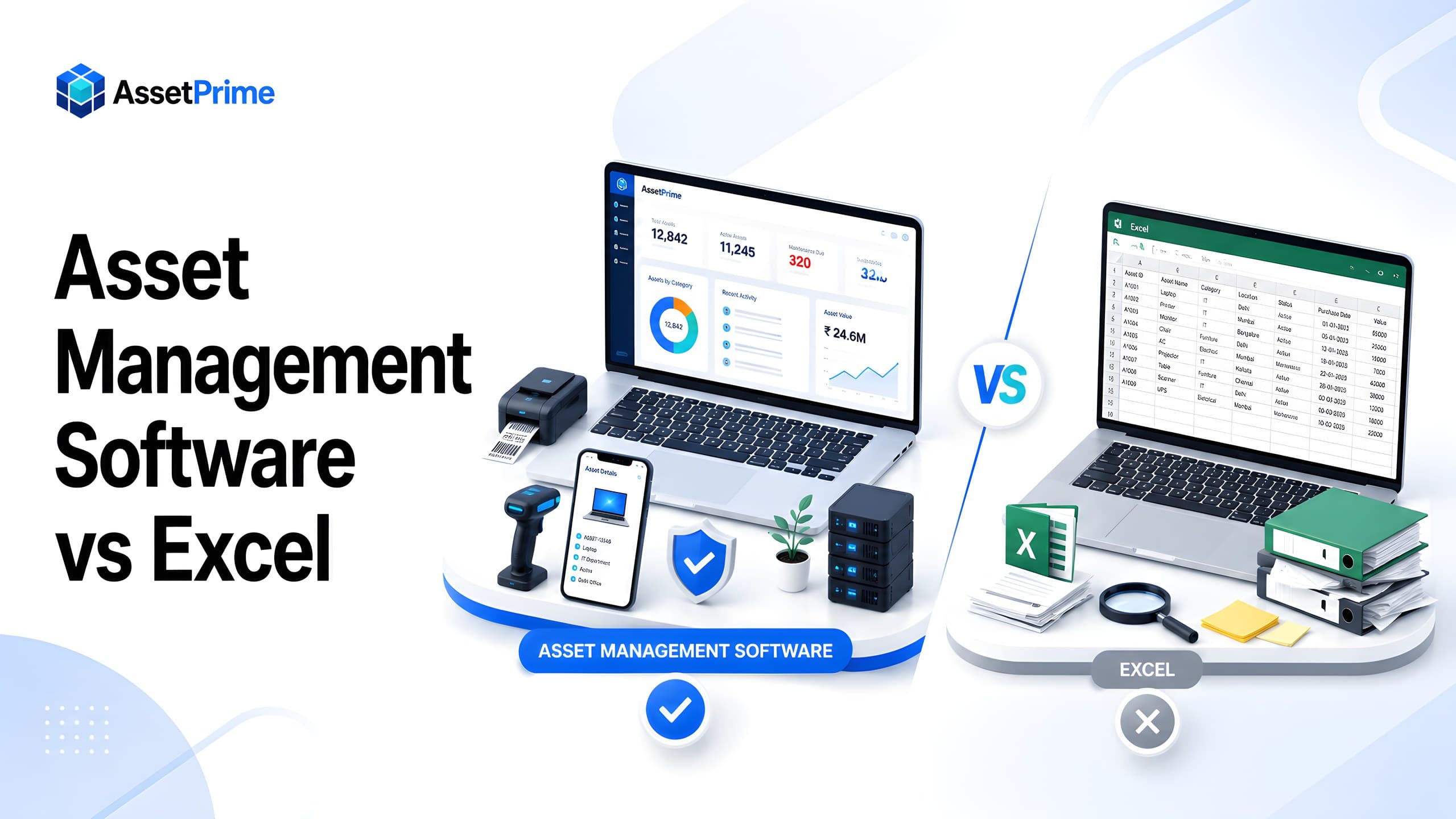
Asset Management
Asset Management Software vs Excel: Complete Comparison for Growing Organizations
Read Article →