
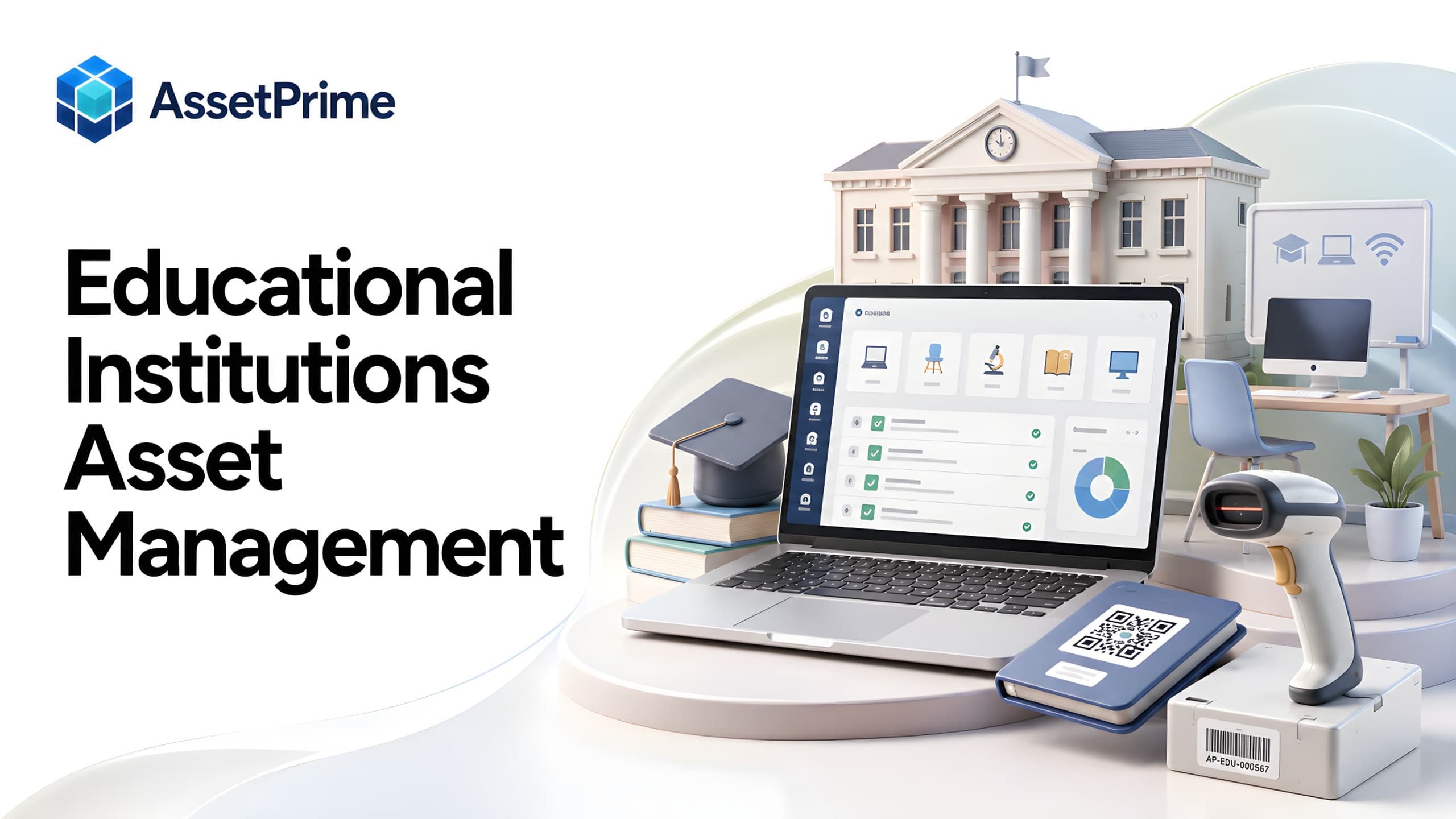
What is asset management software for educational institutions?
Asset management software for educational institutions is a system for recording, tracking, maintaining, assigning, auditing, and reporting on the physical assets used across education operations. It gives each important asset a structured record containing details such as asset code, serial number, category, purchase information, location, responsible person, condition, maintenance history, warranty, AMC, documents, depreciation, and lifecycle status.
The need is much broader than traditional schools. Colleges, universities, professional training institutes, vocational academies, tuition and coaching centres, skill-development organizations, research and training centres, and online or hybrid education businesses can all operate significant physical infrastructure.
An online education provider may still manage laptops, cameras, microphones, lighting, studio equipment, networking devices, servers, displays, furniture, access-control equipment, and office infrastructure. A professional training institute may operate computer labs, technical equipment, projectors, smart displays, workshop tools, and assets distributed across multiple classrooms or branches.
The purpose of education asset management is therefore not school administration. It is operational control over the equipment and fixed assets that allow an educational organization to deliver its services.
“You cannot control assets clearly when ownership, location, maintenance, and audit history live in separate files.”
Which educational institutions need asset management?
Any educational organization with enough equipment, locations, users, maintenance activity, or audit requirements can benefit from structured asset management. The threshold is not defined by the number of students. It is defined by the complexity and value of the assets being managed.
Typical users include schools and school groups, colleges, universities, professional course providers, technical and vocational institutes, coaching and tuition centres, competitive-exam academies, skill-development centres, corporate training organizations, research institutions, language institutes, and online or hybrid education companies with physical offices, studios, labs, or learning centres.
Multi-branch education groups have an especially strong need because equipment can move between centres while purchasing, finance, administration, IT, and maintenance responsibilities may be centralized.
The stronger the dependence on technology and specialized equipment, the more important it becomes to know exactly what the institution owns, where it is, who is responsible for it, and what requires attention.
What strong asset control should make visible
- ✓Where each asset is located today.
- ✓Who is responsible for the asset.
- ✓When it was purchased, moved, maintained, or disposed.
- ✓Which records are ready for audit, reporting, and decision-making.
Assets educational organizations commonly need to track
Education assets extend far beyond desks and classroom furniture. Modern institutions may manage desktops, laptops, tablets, monitors, printers, projectors, interactive displays, smart boards, routers, switches, Wi-Fi equipment, servers, UPS systems, CCTV equipment, biometric devices, and access-control systems.
Professional and technical institutions may also manage laboratory equipment, workshop tools, simulators, medical or scientific training equipment, electronics kits, specialized machinery, testing devices, audio-visual systems, and other course-specific equipment.
Online and hybrid education providers can have production-oriented assets such as cameras, lenses, microphones, audio interfaces, studio lighting, teleprompters, editing workstations, storage devices, streaming equipment, and studio furniture.
Facilities teams may additionally manage air conditioners, generators, electrical equipment, fire-safety assets, cleaning equipment, furniture, vehicles, and other infrastructure. A useful system should allow these very different asset categories to coexist without losing their individual identity or history.
Why spreadsheets become difficult as education operations grow
A spreadsheet can work when an institution has a small asset base and one person controls every update. Problems begin when assets are distributed across campuses, branches, buildings, floors, classrooms, labs, studios, departments, employees, trainers, or service locations.
Different teams may maintain different versions of the truth. Finance knows purchase values, IT knows device specifications, administration knows room placement, and maintenance keeps service details elsewhere. When an asset moves, one file may be updated while another remains outdated.
Spreadsheets also make historical questions harder to answer. Replacing the current location does not automatically preserve where the asset was previously located. Editing an assignee does not necessarily preserve the assignment history. Warranty and maintenance dates can become isolated columns that depend on someone remembering to review them.
Dedicated asset management software becomes valuable when the institution needs controlled multi-user access, lifecycle history, barcode identification, hierarchical locations, documents, maintenance records, coverage tracking, reporting, and auditability.
Build a reliable education asset register
The foundation is a clean asset register. Every serialized asset should have a unique identity and enough structured information to distinguish it from similar equipment.
Useful fields can include asset code, category, brand, model, serial number, purchase date, supplier, invoice reference, purchase value, branch, building, floor, room, department, responsible employee, condition, status, warranty dates, AMC details, and supporting documents.
Institutions should standardize categories and naming before importing large volumes of historical data. Consistent data improves search, reports, audits, and future decision-making.
Bulk imports are valuable during implementation, but data quality matters more than simply moving every old spreadsheet column into the new system.
Track campuses, branches, classrooms, labs and studios
Location is one of the most important dimensions in education asset management. A flat location field is often insufficient for organizations operating several sites or complex campuses.
A hierarchical model can represent an organization as branch or campus, then building, floor, department, classroom, lab, studio, office, store, or other physical area. This gives teams a consistent way to understand where equipment belongs.
For tuition centres, training institutes, and professional academies, the hierarchy may be region, branch, floor, classroom, computer lab, reception, faculty room, or studio. Universities may require deeper campus and departmental structures.
Location-based reporting helps management see asset concentration, identify equipment by room or branch, plan audits, and understand what would be affected by a relocation, renovation, closure, or expansion.
Use barcode or QR identification for faster tracking
Barcode or QR labels give physical equipment a direct connection to its digital record. Instead of identifying one laptop or projector from a long spreadsheet, staff can scan the label and retrieve the relevant asset.
Unique identification is particularly useful when an institution owns many similar devices. Computer labs, classrooms, training centres, and AV teams may have dozens or hundreds of units with the same make and model.
Labels can support physical verification, assignment, movement, maintenance, and lookup workflows. The code should identify the asset; it should not become a substitute for maintaining accurate location and lifecycle data.
Institutions should use durable labels appropriate to the equipment and environment, and define a consistent process for replacing damaged labels without creating duplicate asset identities.
Manage assets assigned to employees, trainers and other custodians
Some education assets belong to locations, while others are issued to people. Laptops, tablets, cameras, access devices, teaching equipment, and other portable assets may be assigned to employees, faculty, trainers, technicians, or other responsible custodians.
A good assignment process records who received the asset, when it was issued, its condition, and when it was returned or reassigned. This creates accountability without relying on informal messages or memory.
Organizations should distinguish between application users and asset custodians. A person may be responsible for equipment without requiring login access to the asset management system.
Assignment history becomes useful during employee exits, branch transfers, audits, loss investigations, equipment refreshes, and replacement planning.
Control movement between branches and learning locations
Education assets frequently move. A projector may shift between classrooms, a laptop may be transferred to another branch, AV equipment may move to an event location, or lab equipment may be temporarily reassigned.
Simply overwriting the location hides that history. Asset movement should preserve the previous location, destination, date, reason, and responsible action so teams can understand how the asset reached its current position.
For multi-branch education businesses, movement history is especially important because central teams may not physically see every transfer.
A traceable movement process reduces confusion during audits and helps prevent equipment from becoming effectively invisible after relocation.
Manage IT assets across educational institutions
IT infrastructure is now central to almost every education model. Institutions may manage end-user devices, networking equipment, servers, displays, printers, storage, security devices, and classroom technology across many locations.
Asset management helps IT teams connect hardware identity with branch, room, assignee, purchase details, warranty, maintenance, and lifecycle status.
This is useful for device refresh planning, warranty claims, transfers, employee handovers, physical audits, and understanding equipment distribution across the organization.
Asset management does not replace specialized endpoint management or cybersecurity tools. Its role is to provide operational and lifecycle control over the physical equipment itself.
Track maintenance and repair history
Equipment downtime can directly affect teaching, training, examinations, administration, content production, and campus operations. Maintenance therefore needs to be connected to the asset record rather than kept in an isolated file.
Teams should be able to record service dates, problems, repair actions, service providers, costs, documents, and maintenance status. Preventive maintenance can be scheduled for equipment that requires recurring attention.
Historical repair information helps identify assets with repeated failures and supports decisions about whether continued repair is economical.
When maintenance history is combined with purchase value, age, warranty, and lifecycle status, institutions can make better repair-versus-replace decisions.
Track warranty, AMC and insurance coverage
Educational organizations often own equipment covered by manufacturer warranties, annual maintenance contracts, or insurance. These records should remain connected to the assets they protect.
Structured expiry dates make it easier to identify warranties or AMCs approaching their end. Teams can then review whether coverage should be renewed, replaced, allowed to expire, or considered in an upcoming procurement decision.
Before approving a paid repair, staff should be able to verify whether active warranty or AMC coverage applies. This can prevent avoidable service expenditure.
Invoices, warranty certificates, AMC documents, and other evidence should be attached or referenced so the operational team can retrieve them when required.
Improve physical asset audits
Physical verification becomes difficult when asset records do not match the actual location of equipment. Education environments make this more challenging because rooms change, devices move, employees transfer, and equipment may be temporarily shared.
A structured asset register, unique barcode identity, current location, assignment history, and movement records provide a much stronger starting point for an audit.
Audits should identify assets that are verified, missing, relocated, damaged, unrecorded, or otherwise require follow-up. The result should update operational knowledge rather than exist only as a one-time compliance exercise.
Institutions with multiple branches can plan verification by location and use reports to focus on exceptions rather than manually reconciling every record from scratch.
Support procurement and receiving
Asset control starts before equipment reaches a classroom or employee. Procurement and receiving information can provide useful context for the rest of the lifecycle.
Recording supplier, purchase date, cost, invoice, and receiving information helps finance and administration connect the physical asset with its acquisition history.
When new equipment is received, institutions can establish the asset identity, location, warranty, documents, and responsible team before it enters active use.
This reduces the common gap where equipment is purchased and distributed first, while the asset register is updated weeks or months later.
Plan depreciation, replacement and disposal
Educational institutions need to know not only where assets are, but also when equipment is approaching the end of its useful life. Age, purchase value, depreciation, maintenance history, and condition all contribute to replacement planning.
A centralized lifecycle record helps identify aging computer labs, heavily repaired equipment, obsolete devices, and assets that may no longer justify further expenditure.
When an asset is retired, disposed of, lost, or otherwise removed from active service, its status should change without deleting the historical record.
Preserving lifecycle history supports accountability, financial review, future procurement planning, and audit requirements.
Use role-based access for multi-team operations
Asset data may be used by administration, IT, finance, procurement, facilities, maintenance, branch managers, and auditors. These teams do not necessarily require the same level of access.
Role-based access control helps institutions define who can view, create, update, approve, export, or administer asset information.
Location scope can be particularly useful for multi-branch organizations. A branch user may need access only to assets under that branch while central management requires consolidated visibility.
Audit logs further strengthen control by providing traceability for important system actions and changes.
Reports educational institutions should expect
Useful reporting begins with operational questions. Management may need assets by branch, campus, building, classroom, department, category, status, employee, or condition.
IT teams may need device distribution and warranty visibility. Maintenance teams may need due, open, overdue, or historical service information. Finance may need purchase and depreciation context. Administration may need movement, assignment, and audit reports.
Multi-location organizations should be able to consolidate information centrally while still filtering to individual branches or departments.
Reports are most useful when they come from current operational records. A polished dashboard cannot compensate for inconsistent asset identities, outdated locations, or missing lifecycle updates.
Asset management for online and hybrid education providers
Online education does not mean asset-light operations. Many providers operate studios, offices, training rooms, production facilities, examination centres, or regional learning hubs.
Their asset mix may be different from a traditional school: cameras, microphones, lights, workstations, editing systems, storage, networking equipment, tablets, displays, studio furniture, and specialized production equipment can represent significant investment.
These assets may be shared between content teams, instructors, studios, and branches. Assignment, movement, maintenance, warranty, and availability therefore become important operational concerns.
A broader education asset strategy allows these organizations to manage physical infrastructure without forcing their workflows into a school-specific software model.
Asset management for professional, vocational and coaching institutes
Professional course providers, vocational centres, coaching institutes, and tuition-centre networks can become asset-intensive as they expand. Computer-based training, technical labs, smart classrooms, branch offices, and centralized IT create equipment that must be controlled across locations.
The organization may have frequent branch openings, classroom changes, instructor movement, equipment transfers, and periodic technology upgrades. These operational patterns make reliable location and lifecycle history important.
For technical or vocational education, specialized training equipment can be more valuable than standard office assets and may require scheduled maintenance, warranty tracking, calibration records, or controlled assignment.
A general education asset management platform is therefore more appropriate than a system designed only around traditional school administration.
How to choose asset management software for an educational institution
Start with the institution's real workflows rather than a feature checklist. Document the asset types, number of locations, location hierarchy, assignment model, movement process, maintenance responsibilities, warranty requirements, audit frequency, reporting needs, and user roles.
Evaluate whether the software supports serialized assets, bulk data import, barcode identification, multi-level locations, employee assignment, movement history, maintenance, warranty and AMC, documents, depreciation, lifecycle status, audit logs, role-based permissions, and exports.
For multi-branch education groups, test whether central management can see consolidated information while individual locations operate within their permitted scope.
During a demonstration, use realistic examples from the institution: register a laptop or training device, place it in a branch and room, assign or transfer it, add warranty, record maintenance, and review its complete history.
How AssetPrime supports educational institutions
AssetPrime provides a centralized platform for organizations that need to manage physical assets across branches, campuses, departments, rooms, employees, and lifecycle stages.
Educational organizations can maintain structured asset records, barcode-based identification, hierarchical locations, assignments, movement history, procurement context, maintenance, warranty, AMC, insurance, depreciation, documents, lifecycle status, audit logs, and reports.
This makes the platform relevant not only to schools and universities, but also to professional institutes, training organizations, tuition and coaching networks, vocational centres, and online or hybrid education businesses with substantial physical equipment.
The best implementation starts with the institution's own asset categories, location structure, responsibilities, and operating processes so the system reflects how equipment is actually managed.
Final checklist for education asset management
Every important serialized asset should have a unique identity, category, current location, status, purchase context, and responsible owner or custodian where applicable.
Movement, assignment, maintenance, warranty, AMC, documents, and lifecycle changes should remain connected to the asset instead of being spread across unrelated files.
Multi-branch institutions should have a clear location hierarchy and controlled user access. Audits should verify actual physical assets against reliable system records.
The ultimate goal is simple: educational organizations should be able to answer what assets they have, where those assets are, who is responsible, what has happened to them, and what action is required next.
Related AssetPrime Pages
Continue with related pages
Explore connected features, guides, solutions, and industry pages that support this topic.
FAQ
Frequently asked questions
What is education asset management software?
Education asset management software helps educational organizations record, track, assign, maintain, audit, and report on physical assets such as IT equipment, classroom technology, lab equipment, furniture, AV equipment, studio equipment, and facilities assets.
Is asset management software only useful for schools and universities?
No. It can also be useful for professional training institutes, vocational academies, coaching and tuition centres, skill-development organizations, research and training centres, and online or hybrid education providers that manage significant physical equipment.
What assets can educational institutions track?
Common examples include laptops, desktops, tablets, projectors, smart boards, printers, networking equipment, servers, lab equipment, workshop tools, cameras, microphones, studio equipment, furniture, CCTV, biometric devices, UPS systems, generators, and other operational equipment.
Can education asset management software support multiple branches or campuses?
Yes. A suitable system can organize assets by branch, campus, building, floor, department, classroom, lab, studio, office, store, or other hierarchical locations while providing consolidated reporting.
How do barcodes help educational institutions track assets?
Barcode or QR labels give each serialized asset a scannable identity that can be used for lookup, physical verification, assignment, movement, maintenance, and other workflows.
Can equipment be assigned to employees or trainers?
Yes. Portable assets can be assigned to employees, faculty, trainers, technicians, or other custodians with issue, return, reassignment, and history information.
Can educational institutions track maintenance and warranty together?
Yes. Connecting maintenance history with warranty and AMC information helps teams verify coverage before paid repairs, monitor expiry dates, and make better repair or replacement decisions.
Do online education companies need asset management software?
They may, particularly when they operate studios, offices, learning centres, or production facilities and manage cameras, microphones, lighting, workstations, networking equipment, storage, displays, tablets, and other physical assets.
When should an educational institution move beyond Excel?
Dedicated software becomes more useful when asset volume, branches, users, movements, assignments, maintenance, audits, warranty tracking, permissions, or reporting requirements make a spreadsheet difficult to keep accurate and traceable.
How does AssetPrime support educational institutions?
AssetPrime connects asset records with hierarchical locations, barcode identification, assignments, movements, procurement, maintenance, warranty, AMC, insurance, depreciation, documents, lifecycle status, audit logs, role-based access, and reporting.
Continue Reading
Related articles
Asset Management
Asset Receiving Process and Checklist: From Delivery to Asset Register
Read Article →
Asset Management
What Is Asset Management Software? A Complete Guide for Modern Organizations
Read Article →
Asset Tracking
Asset Tracking vs Inventory Management: Key Differences for Modern Businesses
Read Article →