
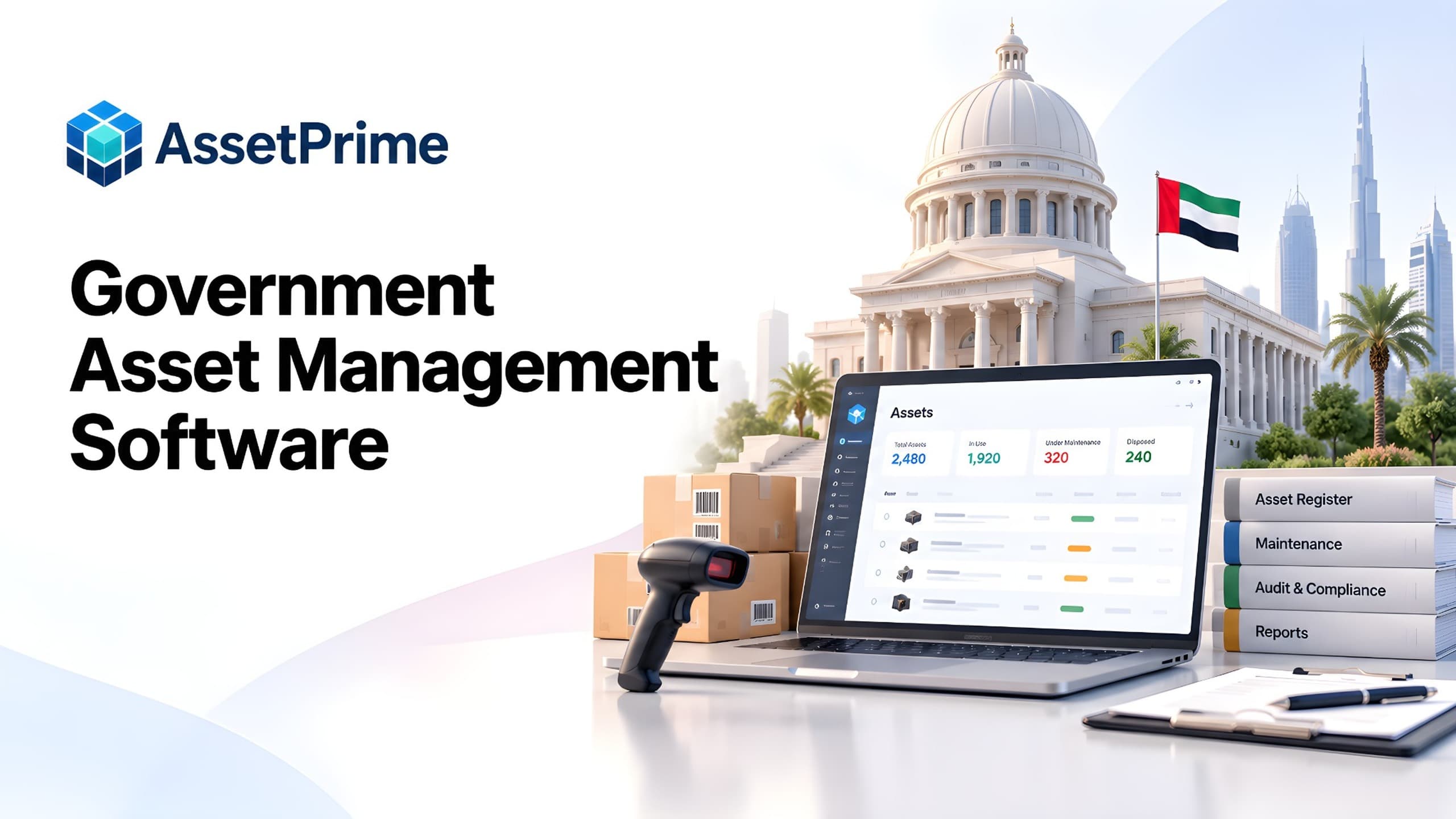
What is government asset management software?
Government asset management software is a system for recording, tracking, maintaining, assigning, auditing and reporting on physical assets used by public sector organizations. It provides a structured record of what the organization owns, where each asset is located, who is responsible for it, what it cost, what has happened to it and what action may be required next.
The use case extends beyond a single government office. Departments, municipalities and local authorities, public agencies, administrative bodies, public facilities and other multi-location public sector organizations may all manage equipment distributed across buildings, branches, departments, stores, employees and service locations.
The objective is operational asset control. A reliable system connects the current asset register with the transactions and lifecycle events that change it over time.
“You cannot control assets clearly when ownership, location, maintenance, and audit history live in separate files.”
Why public sector organizations need structured asset management
Public sector organizations can accumulate large and diverse asset bases over many years. Equipment may be purchased under different budgets, deployed across multiple facilities, reassigned between departments, sent for service and eventually retired or disposed of.
When these events are maintained in separate spreadsheets, files or departmental records, central teams can struggle to establish a reliable current position. Structured asset management creates one operational source for identity, location, custody, movement, maintenance, coverage, financial context and lifecycle status.
What strong asset control should make visible
- ✓Where each asset is located today.
- ✓Who is responsible for the asset.
- ✓When it was purchased, moved, maintained, or disposed.
- ✓Which records are ready for audit, reporting, and decision-making.
Assets government and public sector organizations commonly manage
Typical assets can include desktops, laptops, monitors, printers, servers, networking equipment, communication devices, CCTV and access-control equipment, office furniture, air conditioners, generators, UPS systems and other administrative infrastructure.
Different departments may also manage specialized equipment, tools, machinery, field equipment, vehicles, testing devices, facility equipment or other operational assets. A useful platform should support different asset categories without forcing every item into the same workflow.
Build a reliable government asset register
The asset register is the foundation of the system. Each important serialized asset should have a unique identity and structured information such as asset code, category, brand, model, serial number, purchase date, supplier, purchase value, branch, location, department, custodian, condition and lifecycle status.
Additional records can include invoice references, warranty dates, AMC information, maintenance history, depreciation and supporting documents. Before migration, organizations should identify duplicate records, disposed assets still marked active, missing serial numbers, outdated locations and inconsistent naming.
Use barcode identification for physical assets
Barcode or QR labels provide a practical connection between physical equipment and its digital record. A unique code can support asset lookup, movement, assignment, maintenance and physical audit workflows while reducing dependence on manually typing asset codes or serial numbers.
Labels are only one part of reliable tracking. The underlying system still needs accurate locations, responsible custodians, transaction history and controlled lifecycle updates.
Manage departments, branches, buildings and hierarchical locations
Government organizations frequently operate across more than one physical location. Hierarchical locations can represent headquarters, regional offices, buildings, floors, departments, rooms, stores, workshops and other operational areas.
Assets can then be reported at a high level or filtered down to the individual location where they are currently held. This is valuable during branch-level audits, relocations, departmental restructuring and equipment transfers.
Track asset custody and employee assignments
Portable assets such as laptops, tablets, communication devices, tools and field equipment may be issued to employees or other responsible custodians. The system should record who received the asset, when it was assigned and when it was returned or reassigned.
Assignment history helps teams understand previous responsibility during transfers, employee exits, audits, loss investigations and equipment refreshes. A custodian does not necessarily need application login access.
Control asset movement between public sector locations
Assets may move between departments, rooms, offices, branches, stores and service locations. A controlled movement record can preserve the origin, destination, date, movement type and relevant notes rather than simply overwriting the current location.
This history is useful during verification, investigations and operational reviews because teams can trace transfers instead of reconstructing them from emails or handwritten records.
Connect procurement and receiving with asset records
Asset control begins before equipment enters active service. Purchase and receiving information can establish the source, cost, supplier, invoice and delivery context that later supports warranty, depreciation and lifecycle reporting.
At receiving, serialized equipment can be individually identified and placed into the correct branch or location before deployment, reducing the gap between purchasing an item and adding it to the operational asset register.
Manage preventive maintenance and repairs
Government equipment and facilities assets may require planned maintenance or corrective repair. Maintenance records should remain connected to the asset so teams can see service dates, issues, actions, costs, documents and current maintenance status.
Preventive schedules can identify equipment due or overdue for service, while historical repair information can reveal assets that fail repeatedly or have become expensive to maintain.
Track warranty, AMC and insurance coverage
Many public sector assets are purchased with manufacturer warranty or supported through annual maintenance contracts. Some asset categories may also have insurance records associated with the equipment.
Structured start and expiry dates make it easier to identify coverage approaching expiration and check whether active warranty or AMC may apply before approving a paid repair.
Improve government physical asset verification and audits
Physical verification is difficult when the register contains outdated locations, duplicate identities or assets that moved without being recorded. A structured register, barcode identity, current locations, assignment history and movement records provide a stronger starting point for periodic checks.
Verification should identify assets that are present, missing, relocated, damaged, unrecorded or otherwise require follow-up. For organizations with many locations, audits can be planned by branch, building, department or asset category.
Manage depreciation and financial asset context
Operational teams need current location, condition and custody, while finance may also require acquisition value, depreciation and book-value context. Keeping these dimensions connected helps organizations understand an asset throughout its useful life.
Organizations should configure depreciation methods and accounting treatment according to their own financial policies and applicable requirements rather than assuming that asset management software defines those policies.
Control retirement and disposal without losing history
When an asset reaches the end of its useful life, retirement or disposal should change its lifecycle status while preserving the historical record, including previous locations, assignments, maintenance and financial context.
Disposal workflows and approvals should follow the organization's own internal policies. Asset management software can record the operational event but does not replace required organizational procedures.
Use role-based access and audit logs
Public sector asset information may be used by administrators, stores teams, IT, maintenance, finance, procurement, branch users and management. Role-based access can control which functions and data each user can view or modify.
Location scope can restrict branch users to relevant assets while authorized central users retain broader visibility. Audit logs add traceability for important system actions without implying that software itself guarantees compliance with a specific government standard.
Reports public sector asset teams should expect
Teams may need assets by department, branch, location, category, status, condition, custodian, warranty, maintenance state or lifecycle stage. Movement and assignment reports can explain where equipment has been and who has held it.
Maintenance reports can identify due or overdue work, coverage reports can surface expiring warranty or AMC records, and finance or management may require purchase, depreciation and disposal context.
Government asset management software versus spreadsheets
Spreadsheets remain useful for small registers, temporary inventories and analysis. They become harder to control when many users, locations and lifecycle events must be coordinated.
Dedicated software provides structured transactions for assignment, movement, maintenance, coverage, audit and disposal. The decision to move beyond spreadsheets should be based on operational complexity rather than asset count alone.
Cloud versus on-premise deployment for government organizations
Cloud deployment can reduce the need to manage application infrastructure internally, while on-premise deployment may be preferred where organizational IT architecture or internal policies require local hosting.
The evaluation should consider infrastructure responsibility, backups, updates, network access, internal technical capability, support arrangements and data-management requirements. No deployment model is automatically correct for every government organization.
How to choose government asset management software
Start by documenting real workflows: asset categories, branches and locations, users, custody, transfers, maintenance, warranty and AMC, physical audits, depreciation, disposal, reporting and permissions.
During evaluation, test representative workflows: register an asset, place it at a location, assign or transfer it, record maintenance, add warranty information and review the resulting history and reports.
Also evaluate data import, exports, documents, permissions, audit logs, deployment options, backup responsibilities, implementation support and how the system scales as locations, assets and users increase.
Government asset management implementation roadmap
Begin with scope and data standards. Define asset categories, location and department structures, statuses and responsibility for each lifecycle process. Clean the existing register before migration by validating active assets, duplicates, disposed items, locations and custodians.
A pilot can test imports, labels, permissions, movement, assignment, maintenance and reports with a limited branch or asset category. After launch, review exception reports and conduct sample physical verification regularly.
How AssetPrime supports public sector asset operations
AssetPrime provides a centralized platform for organizations that need to manage physical assets across branches, locations, departments, employees and lifecycle stages.
The platform supports structured asset records, barcode identification, hierarchical locations, assignments, movement history, procurement and receiving context, maintenance, warranty, AMC, insurance, depreciation, documents, lifecycle status, audit logs, role-based access and operational reports.
These capabilities can support public sector asset operations, but suitability should be evaluated against the organization's specific workflows, deployment requirements and internal policies. AssetPrime should not be interpreted as claiming government certification, statutory compliance or tender eligibility unless such requirements have been separately verified for a specific procurement.
Final checklist for public sector asset management
A reliable system should help the organization answer five basic questions for every important asset: what is it, where is it, who is responsible for it, what has happened to it and what action is required next.
Achieving that requires more than a static register. Identity, location, assignment, movement, maintenance, coverage, financial context, verification and disposal need to remain connected throughout the asset lifecycle.
Related AssetPrime Pages
Continue with related pages
Explore connected features, guides, solutions, and industry pages that support this topic.
FAQ
Frequently asked questions
What is government asset management software?
Government asset management software helps public sector organizations record, locate, assign, maintain, audit and report on physical assets across departments, buildings, branches and lifecycle stages.
What types of government assets can be tracked?
Organizations can track IT equipment, office equipment, furniture, networking devices, CCTV, facility equipment, tools, machinery, field equipment and other physical assets relevant to their operations.
Can government asset management software support multiple departments and locations?
Yes. A suitable system can organize assets through hierarchical branches, buildings, floors, departments, rooms, stores and other locations while providing consolidated visibility to authorized users.
How do barcodes help public sector asset tracking?
Barcode or QR labels give serialized assets a scannable identity that can support lookup, physical verification, assignment, movement and maintenance workflows.
Can government assets be assigned to employees?
Yes. Portable equipment can be assigned to employees or other custodians while retaining issue, return and reassignment history.
Can the system track maintenance, warranty and AMC?
Yes. Asset management software can connect maintenance records, warranty dates, AMC coverage and related documents with the individual asset record.
Can asset management software help with physical verification?
Yes. A structured register, current locations, barcode identity, assignment history and movement records provide a stronger basis for physical asset verification and exception follow-up.
Should government organizations choose cloud or on-premise asset management software?
The appropriate deployment model depends on internal IT architecture, security requirements, infrastructure capability, support model and operational policies.
Does asset management software automatically make an organization compliant with government regulations?
No. Software can support structured records, permissions, history and reporting, but regulatory compliance, accounting treatment, approvals and procurement requirements remain dependent on the organization's applicable rules and processes.
How can AssetPrime support government asset management?
AssetPrime connects asset records with barcode identification, hierarchical locations, assignments, movements, procurement, maintenance, warranty, AMC, insurance, depreciation, documents, lifecycle status, audit logs, role-based access and reporting.
Continue Reading
Related articles
Asset Management
Asset Receiving Process and Checklist: From Delivery to Asset Register
Read Article →
Asset Management
What Is Asset Management Software? A Complete Guide for Modern Organizations
Read Article →
Asset Tracking
Asset Tracking vs Inventory Management: Key Differences for Modern Businesses
Read Article →